- Tech Sentinel
- Posts
- Unlock the Power of Data Visualization with Google Data Studio: A Beginner's Guide to Custom Reports and Dashboards
Unlock the Power of Data Visualization with Google Data Studio: A Beginner's Guide to Custom Reports and Dashboards
Transforming Raw Data into Compelling Insights: Learn How to Create Custom Reports and Dashboards with Google Data Studio

Elijah Falode
May 05, 2023
Google Data Studio is a powerful data visualization tool that allows users to create custom reports and dashboards from a variety of data sources. Whether you're a marketer, analyst, or business owner, Google Data Studio can help you better understand your data and make more informed decisions.
One of the key benefits of Google Data Studio is its flexibility. With over 500 data connectors available, you can connect to virtually any data source, including Google Analytics, Google Ads, Facebook Ads, LinkedIn Ads, and more. This means that you can create a dashboard that pulls data from all your marketing channels in one place, giving you a holistic view of your performance.
Another advantage of Google Data Studio is its ease of use. Even if you have no prior experience with data visualization tools, you can quickly create a professional-looking dashboard with just a few clicks. The drag-and-drop interface allows you to easily add charts, tables, and other visualizations to your dashboard, and the built-in templates make it easy to get started.
So what are some of the use cases for Google Data Studio? Here are a few examples:
Marketing performance reporting: If you're a marketer, you can use Google Data Studio to create a dashboard that shows the performance of all your marketing channels in one place. This can help you identify trends and opportunities, and make data-driven decisions about where to allocate your budget.
Sales reporting: If you're a sales manager, you can use Google Data Studio to create a dashboard that shows the performance of your sales team. You can track metrics like revenue, deals closed, and pipeline, and use this information to identify areas for improvement.
Website analytics: If you have a website, you can use Google Data Studio to create a dashboard that shows key website metrics like traffic, bounce rate, and conversion rate. This can help you understand how users are interacting with your website and identify opportunities for optimization.
Social media reporting: If you're a social media manager, you can use Google Data Studio to create a dashboard that shows the performance of your social media channels. You can track metrics like engagement, reach, and follower growth, and use this information to make data-driven decisions about your social media strategy.
Financial reporting: If you're a CFO or finance manager, you can use Google Data Studio to create a dashboard that shows key financial metrics like revenue, expenses, and profit margins. This can help you understand the financial health of your organization and make informed decisions about investments and spending.
As you can see, the possibilities with Google Data Studio are endless. Whether you're looking to track marketing performance, analyze website traffic, or monitor financial metrics, Google Data Studio can help you do it all.
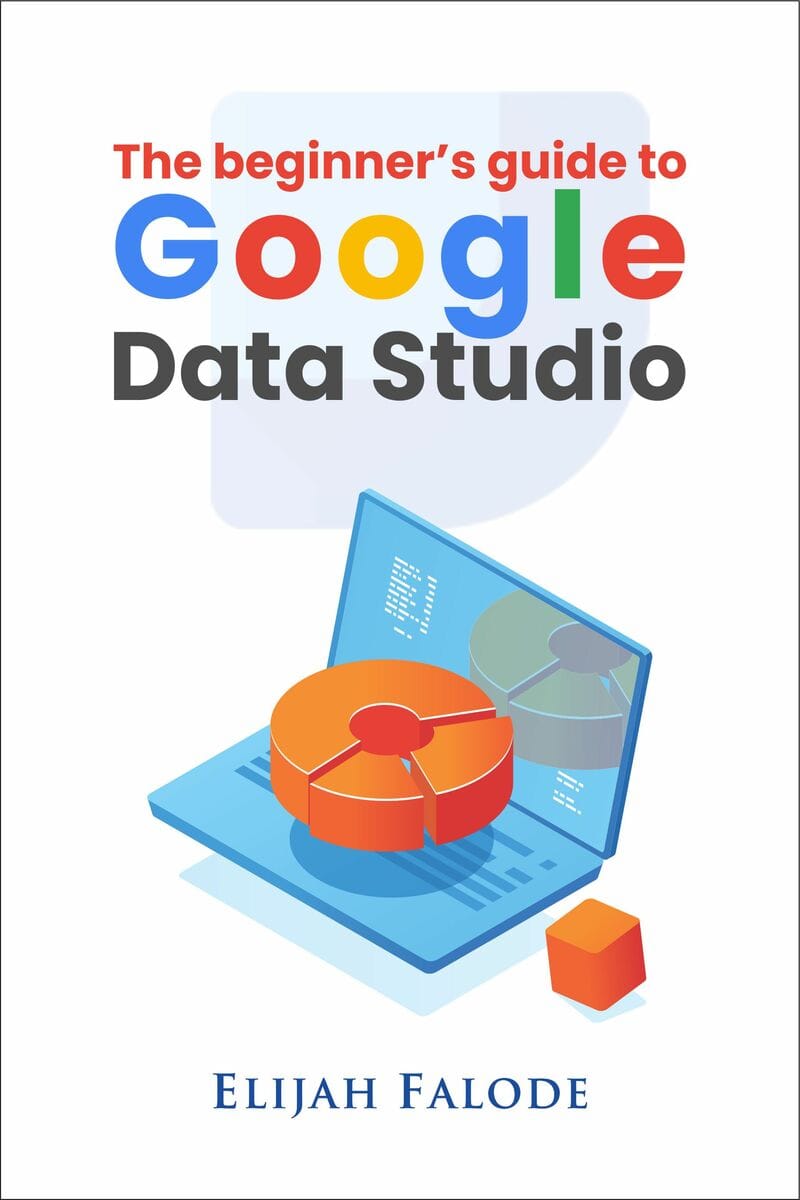
If you're interested in learning more about how to use Google Data Studio, I highly recommend checking out "The Beginner's Guide to Google Data Studio" by Elijah Falode. This book is an excellent resource for anyone looking to get started with Google Data Studio, and it provides step-by-step instructions on how to create custom reports and dashboards.
By reading this book, you'll learn:
How to connect data sources to Google Data Studio
How to create custom charts and visualizations
How to create filters and segments to analyze your data
How to share and collaborate on reports with your team
Go for Google Data Studio if you are looking for a powerful tool to make data-driven decisions. With its flexibility, ease of use, and wide range of use cases, it's no wonder that more and more businesses are turning to Google Data Studio to help them better understand their data. So why not join them?